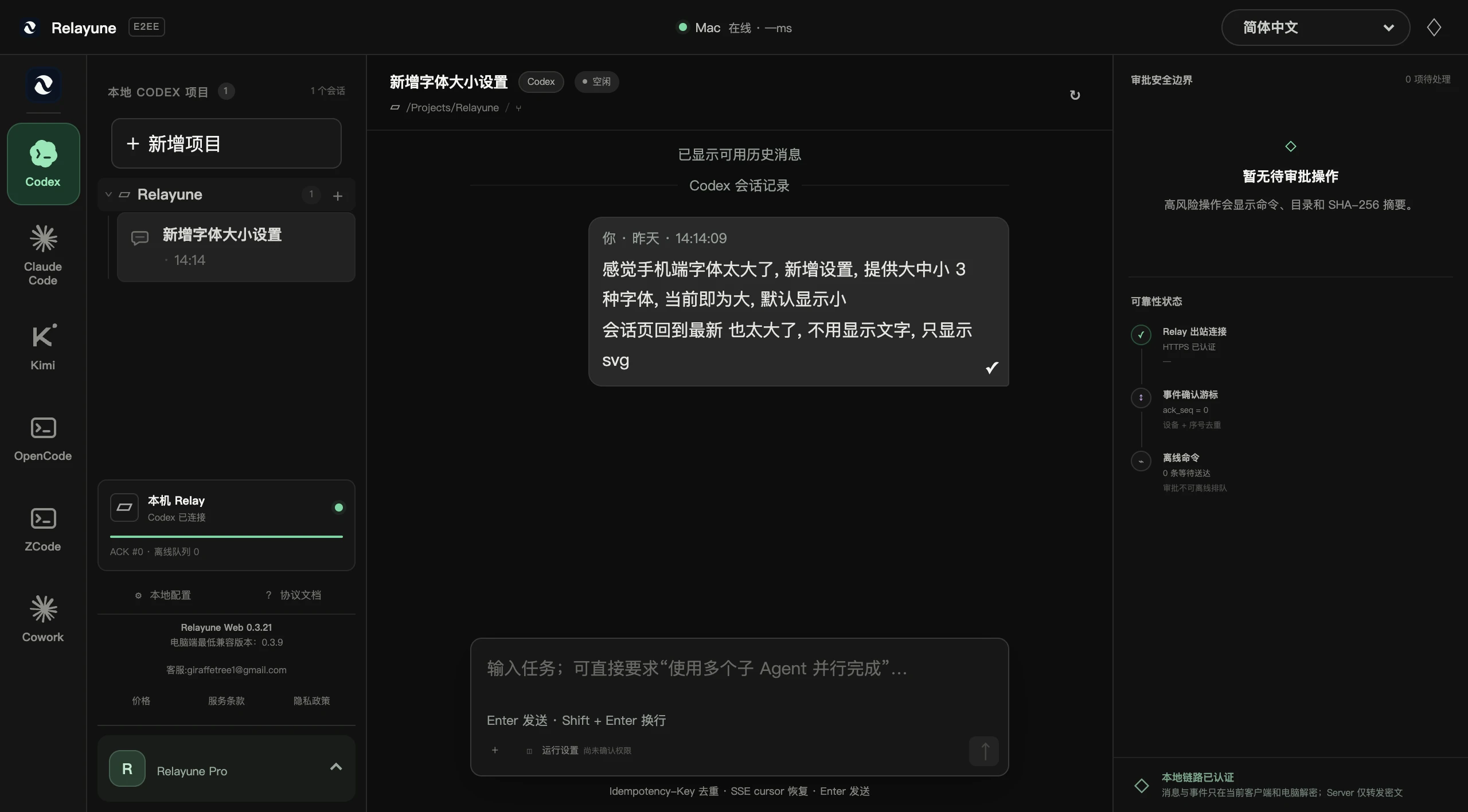
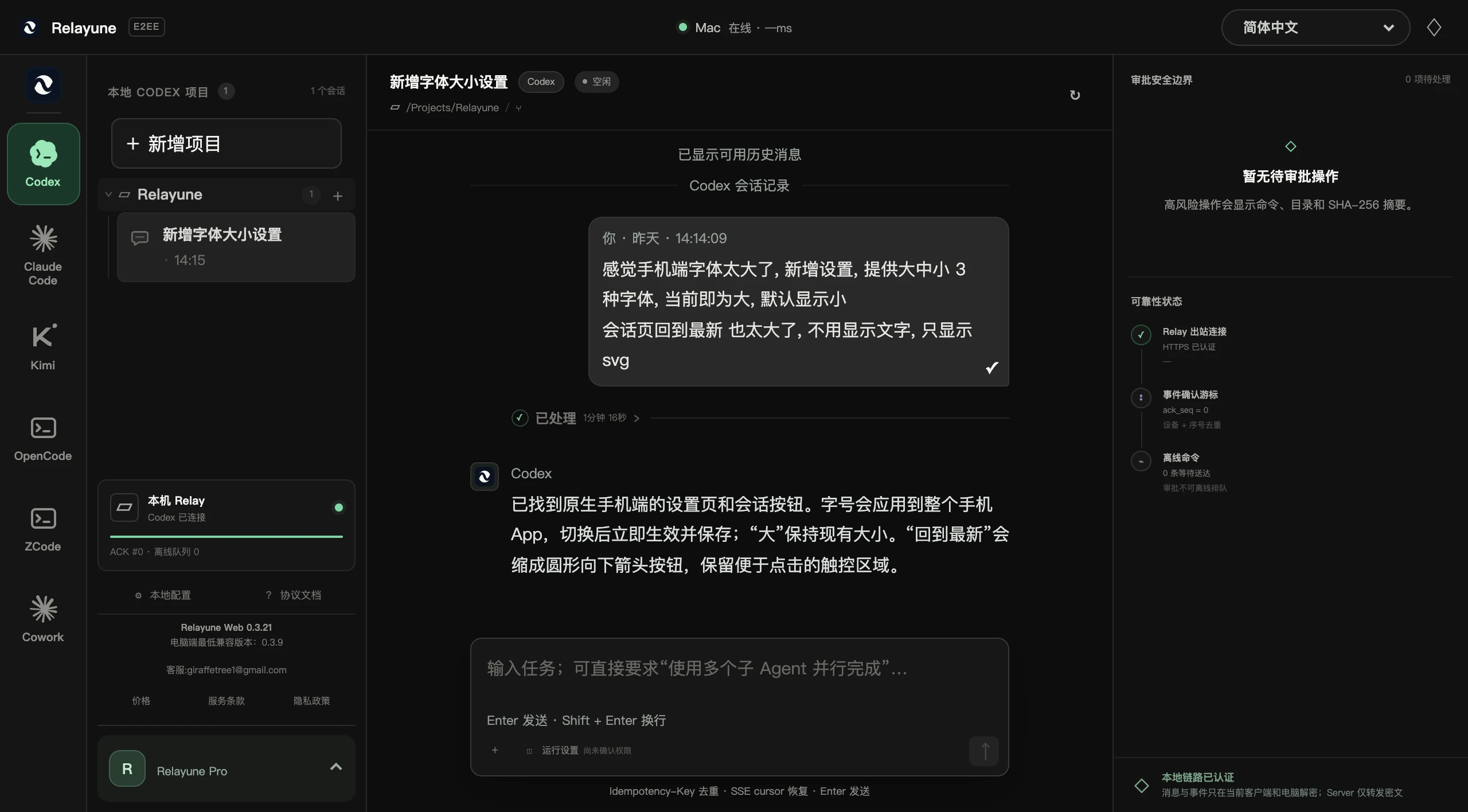
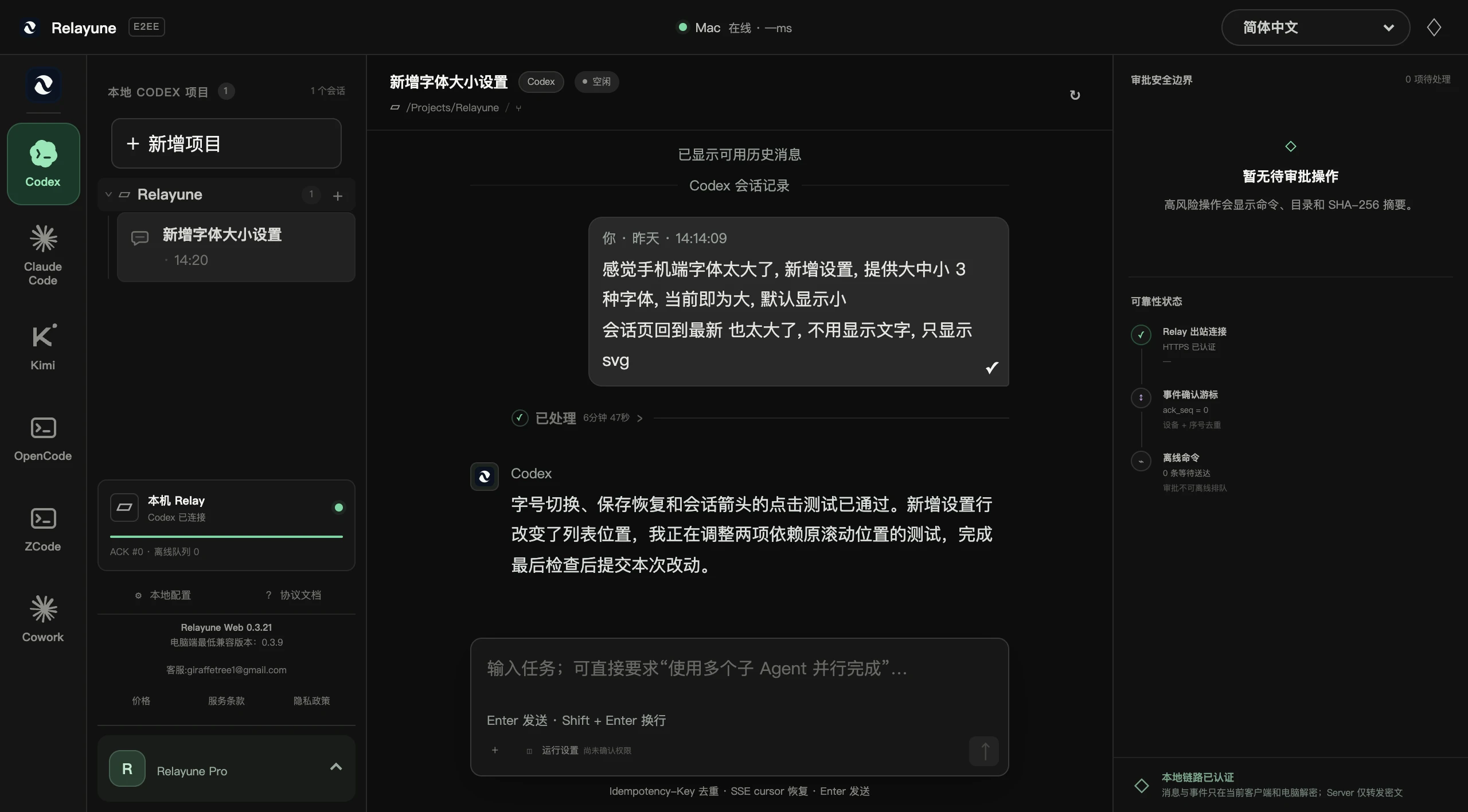
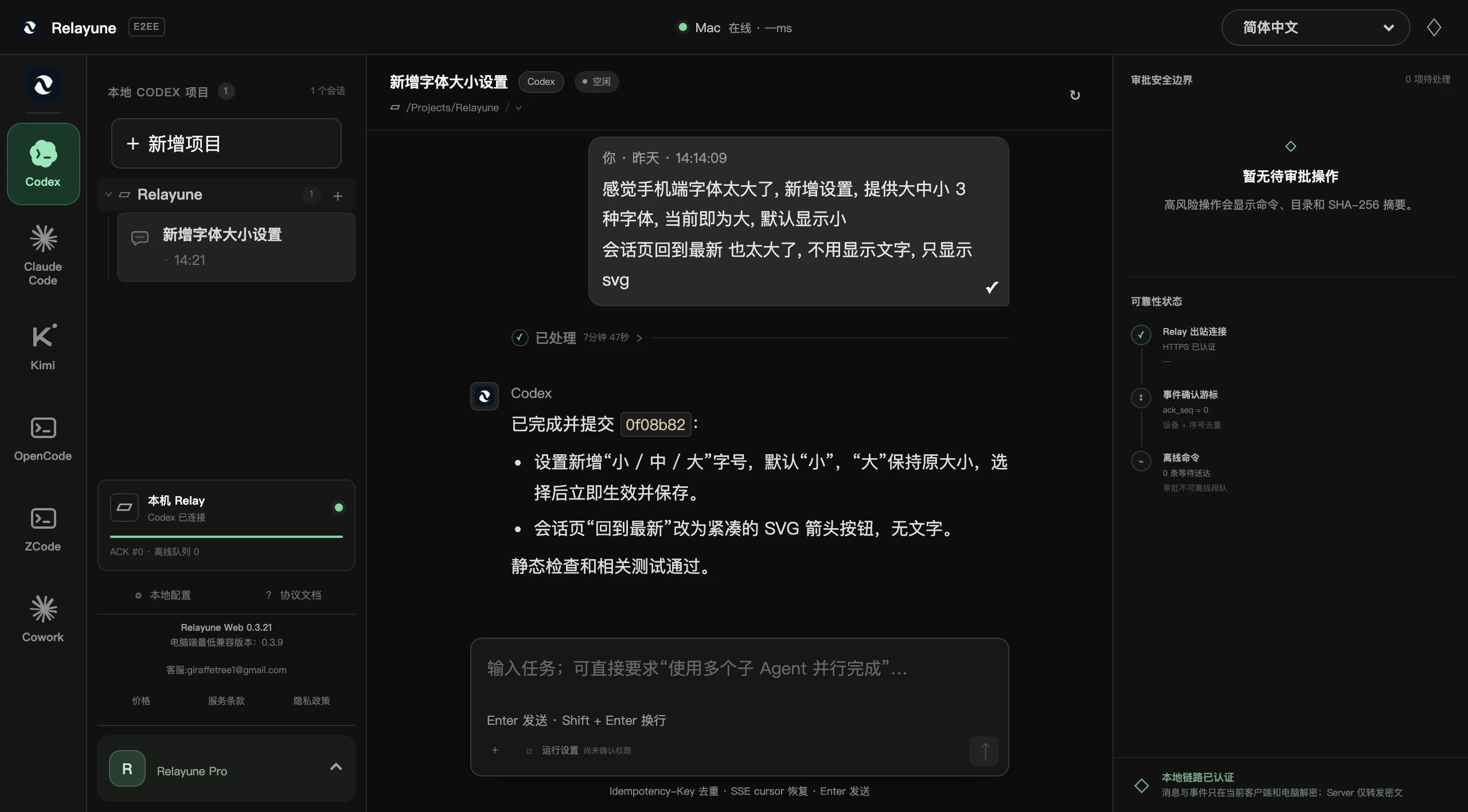
Step away from your computer. Your task keeps moving.
Relayune securely brings Codex, Kimi Code, and Claude Code from your computer to the browser. Check progress, answer questions, and keep work moving from any device.
Check live output, add instructions, and handle approvals. The Agent keeps working in the original project and context while you are away.
02
Task channelNo screen pixels
⌘Computer
StatusReplyApproval
◫Browser
Move tasks, not your desktop
No full-screen streaming or tiny desktop controls on your phone. Every interaction is designed around conversations and tasks.
03
A256GCM ENVELOPEAuthenticated
◫Task plaintext
◇8f2a…Server
⌘Project plaintext
Plaintext stays at both ends
The browser and desktop app use end-to-end encryption. The server authenticates and relays traffic but cannot read project content.
A better interaction model
Bring back the task, not the entire desktop.
Remote desktop squeezes a computer screen onto your phone. Relayune shows Agent status, replies, and approvals directly so you can make the next decision inside the original task.
Remote desktop
Screen, pointer, and keyboard control
Relayune
Task status, replies, and approvals
OLD WAYRemote desktop
MacBook Pro · 1920 × 1080
↖
RELAYUNETask continuity
Marketing homepage updaterelayune · main
Running
Your decision is needed: keep the current dark visual direction?
Keep it and continue improving mobile.
✓
Decision returned to the computerThe Agent continues in the original project
↔
Drag to compare
No interrupted work
The same task, continued across devices.
The Agent keeps working in the original project and branch on your computer. Open a browser only when needed to check progress, answer a decision, and hand execution back.
Context
Stays with the task
Connection
Outbound HTTPS only
⌘
Local Agentrelayune · main
Running
◫
Your browserSecurely connected
Synced
Marketing homepage update
Task sent to local Agent
Local execution trace
1Read
2Edit
3Decision
4Verify
Start in three steps
From installation to an active task, pick up the task in front of you.
Install Relayune on your computer, sign in with email, then authorize your browser or phone with the 8-character code on your computer. Each new client needs its own authorization after sign-in.
Route ID, direction, time, TTL, and ciphertext size
Cannot read
Short codes, content keys, or application plaintext
End-to-end encryption
Your task content is invisible to Relayune.
Task content is decrypted only on your computer and authorized clients. Relayune servers cannot read your tasks or connection codes; they handle your email and the information needed to connect.
✓ A256GCM-encrypted application payloads
✓ One-time short-code pairing that expires in 10 minutes
✓ Desktop app makes outbound HTTPS connections only